
Enquiry management
Collect the details you need on the enquiry form and keep each new lead in a clear list.
Booking, CRM and customer systems
If leads are spread across email, Facebook, WhatsApp and spreadsheets, I can connect your website to a simpler system for following up, quoting and booking work.
You might only need two or three useful features. I will recommend the booking or customer tools that fit the way you work.
One example, from enquiry to payment
Collect the details you need.
Keep contact details and notes together.
Create and send the quote.
Turn accepted work into a job.
Record deposits and payments.
Not every business needs all five steps. I fit the system around the way you actually handle the work.
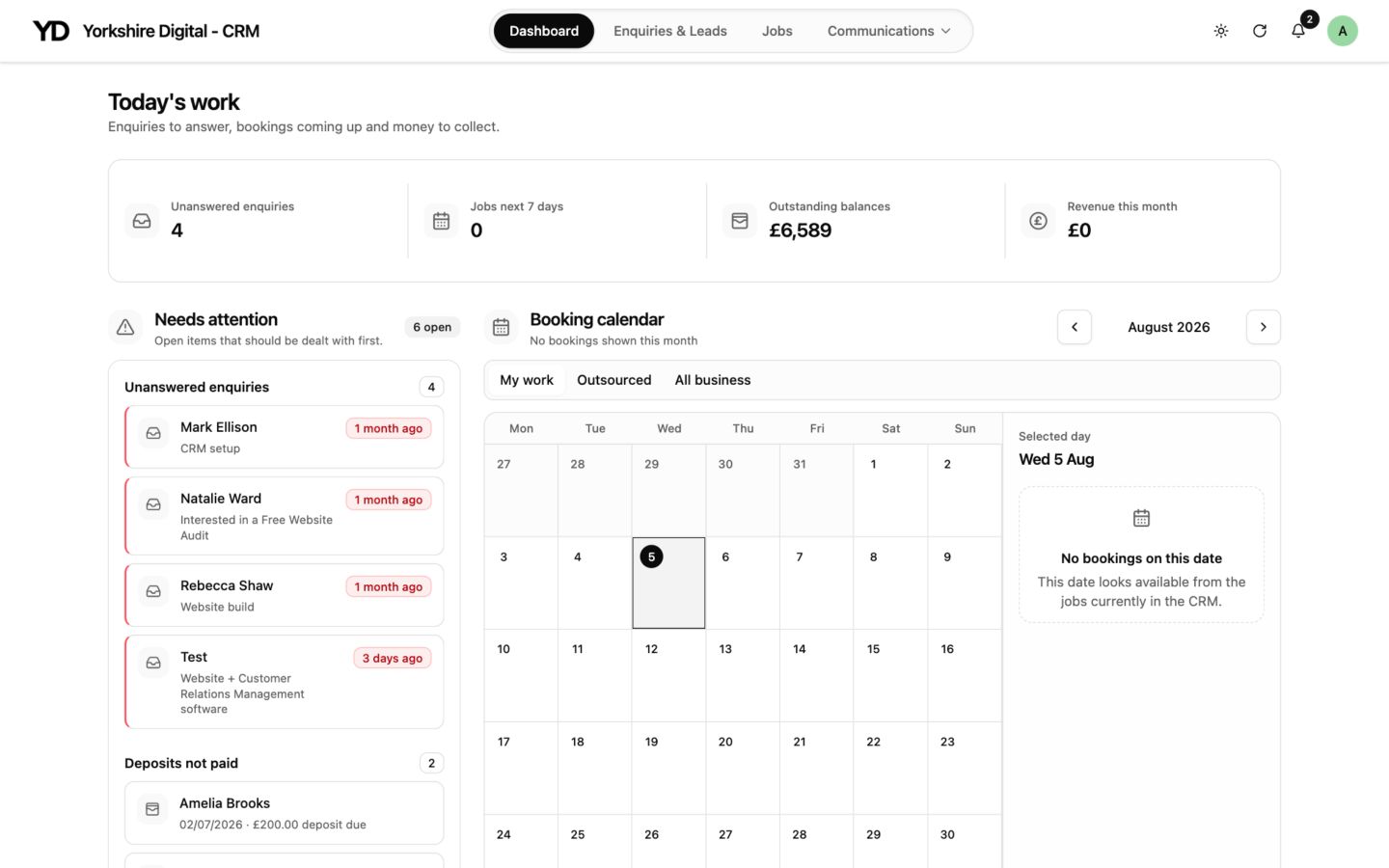
Website + CRM
A CRM can keep customer details, enquiries, quotes, invoices, jobs, payments and reminders together.
This tends to suit service businesses and trades that deal with regular enquiries and quotes. It does not replace accounting, payroll or specialist field-service software.
View the CRM demoWebsite + bookings
I can add availability, booking questions, confirmations and online payment steps to a website for appointment-based businesses.
Instant confirmation is not right for every business. If you need to check capacity, travel or the type of job first, I can build a request-to-book process instead.
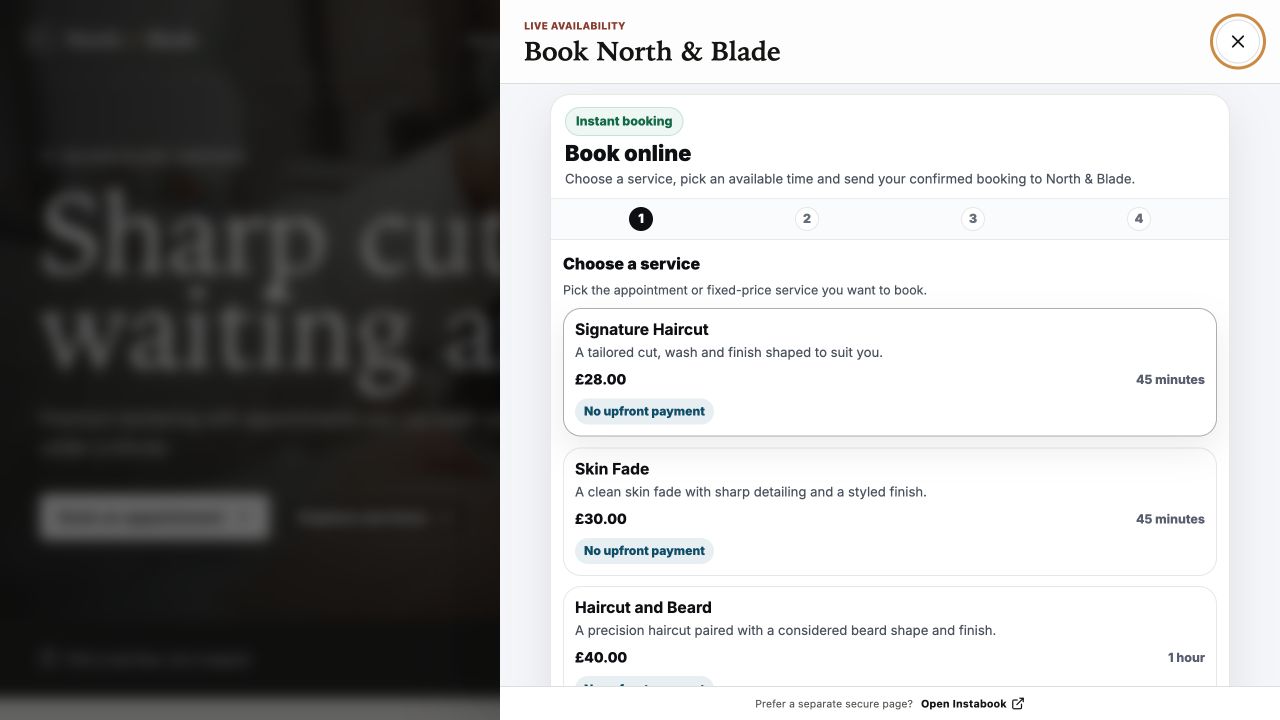
Possible features
Collect the details you need on the enquiry form and keep each new lead in a clear list.
Keep contact details, notes and past activity with the right customer.
Send quotes and invoices, and show customers what they need to do next.
See which jobs are new, waiting, accepted, booked or complete without checking several message threads.
Take a deposit or payment online when that suits the service.
Add reminders for follow-ups, appointments and customer updates.
Tell me how enquiries, quotes or bookings are handled today. I will tell you whether a connected system would help—or whether a simpler website is enough.
Talk through the process